
Pawal UI Pack — Notify, TextUI & ProgressBar
Short description (for the store listing card): A premium, matching UI pack for FiveM: notifications, interaction prompts, and a progress bar — all sharing the same sleek dark design. Works standalone or drops straight into any other script through simple exports.
Full description:
Pawal UI Pack bundles three lightweight, standalone FiveM resources that share one consistent visual identity — dark gradient cards, color-coded accents, rounded design. Use all three together or install only the one you need.
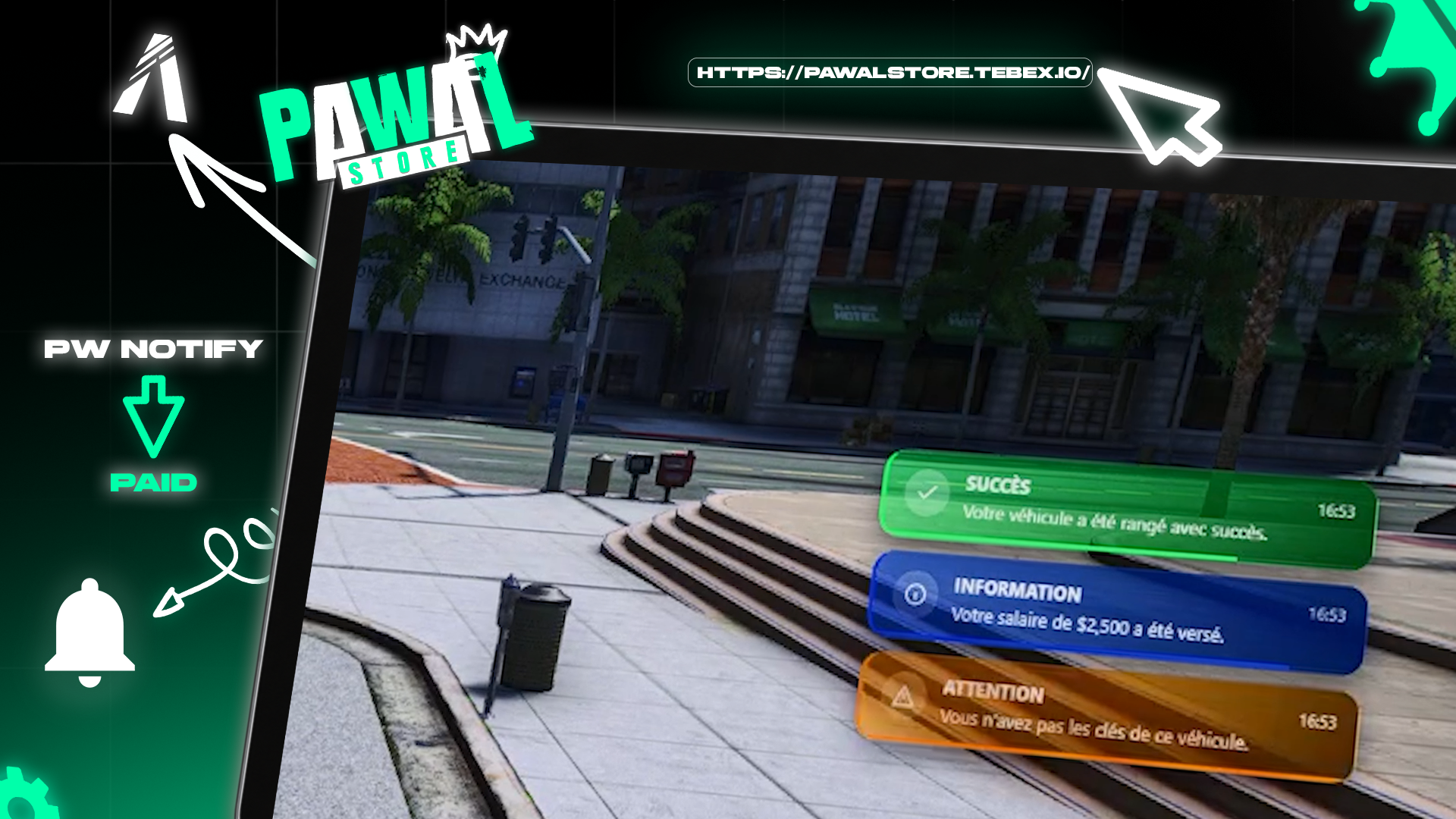
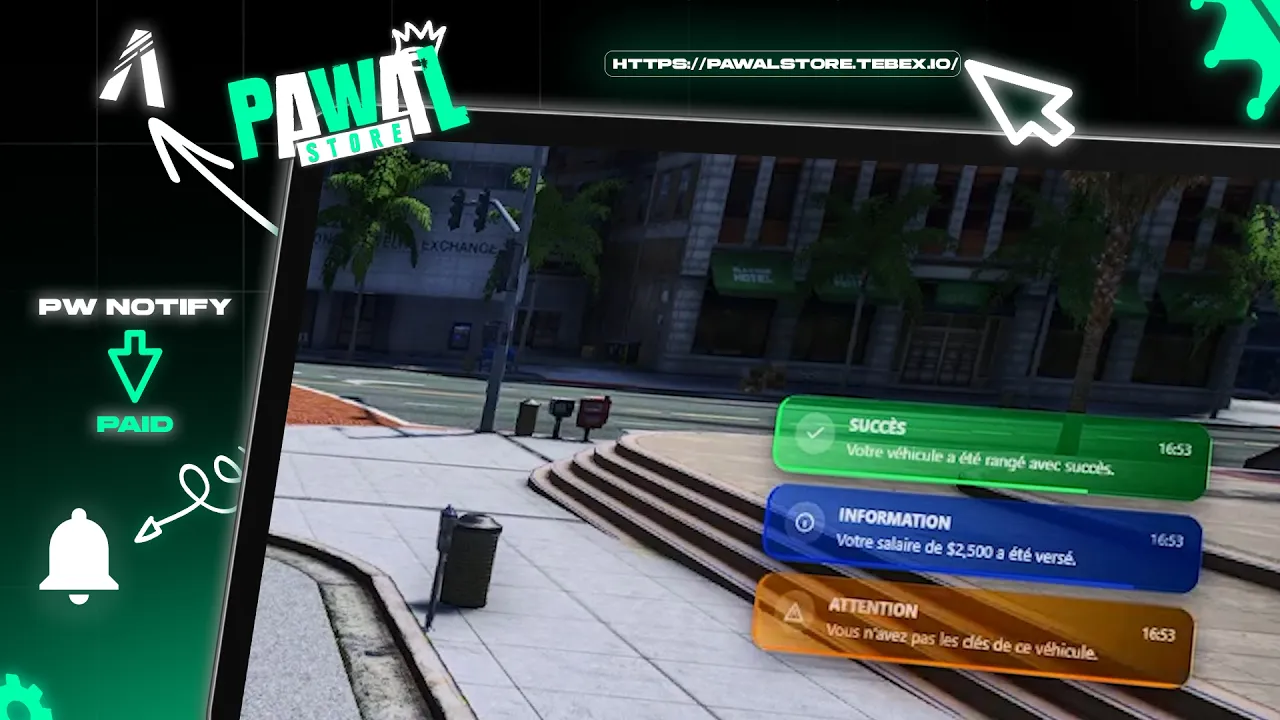
🔔 pw_notify — Notifications
- Clean, color-coded notification cards (success, error, info, warning, and more)
- Built-in sound feedback (generated in-browser, no audio files needed)
- Players can drag-and-drop their own notification position, saved permanently per player
- Queue system so multiple notifications never overlap
🖱️ pw_textui — Interaction prompts
- Auto-appearing "Press E to..." prompts near any interactable
- Two styles: full card or compact pill
- Same drag-and-drop position customization as pw_notify
- Simple
AddZonesystem for automatic proximity prompts
⏳ pw_progressbar — Progress bar
- One clean, universal progress bar for any timed action
- Cancel key support with movement/combat lock during use
- Blocks the calling script until the action finishes or is cancelled (returns true/false), just like you'd expect from a modern progress bar
Compatibility
- Framework-independent (ESX, QBCore, Qbox, or standalone)
- No external dependencies for pw_notify/pw_textui/pw_progressbar themselves
- Every export is callable from any other script, including third-party resources — not locked to the Pawal Store ecosystem
- Fully documented (README + install notes) for each resource
Note: Escrow-protected Lua scripts. NUI (HTML/CSS/JS) files are included openly per Cfx.re's escrow limitations, so you can review/reskin the visuals freely.